...
You can manage client secrets using the Manage API credentials page, where you can view, create, and delete client secrets.
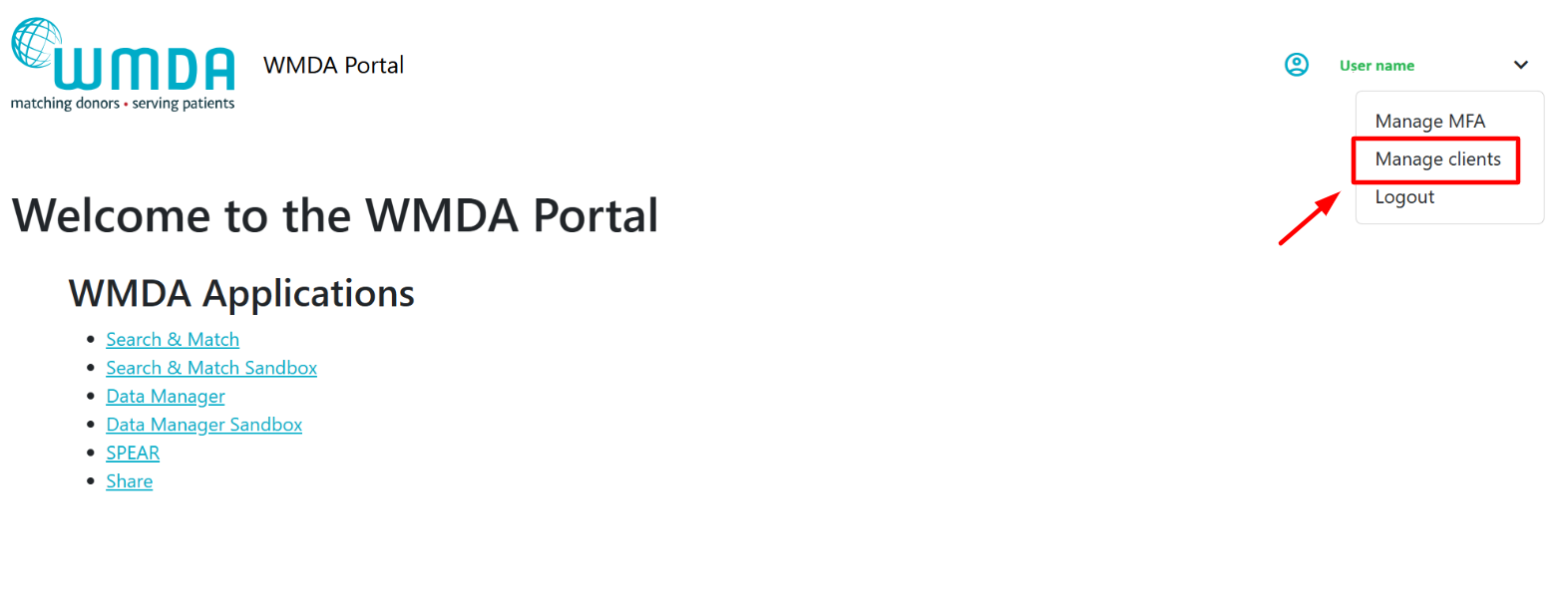
To access the page:
- Visit the page https://portal.wmda.info/manage-clients.
- You must login to the portal using MFA (MFA user guide).
- You must have the appropriate user role (
credential manager) provided by the WMDA team. - Login to the portal using MFA (MFA user guide).
- Visit the page https://portal.wmda.info/manage-clients.
| Info |
|---|
Your organisation should designate one or more technical contacts ( Only designated users can be granted access. Before contacting WMDA support, confirm internally who is responsible within your team. If access is required, contact WMDA: support@wmda.info |
...