...
- Visit the Manage API Credentials page https://portal.wmda.info/manage-clients.
- You must login to the portal using MFA (MFA user guide).
- You must have the appropriate user role (
credential manager) assigned by the WMDA team.
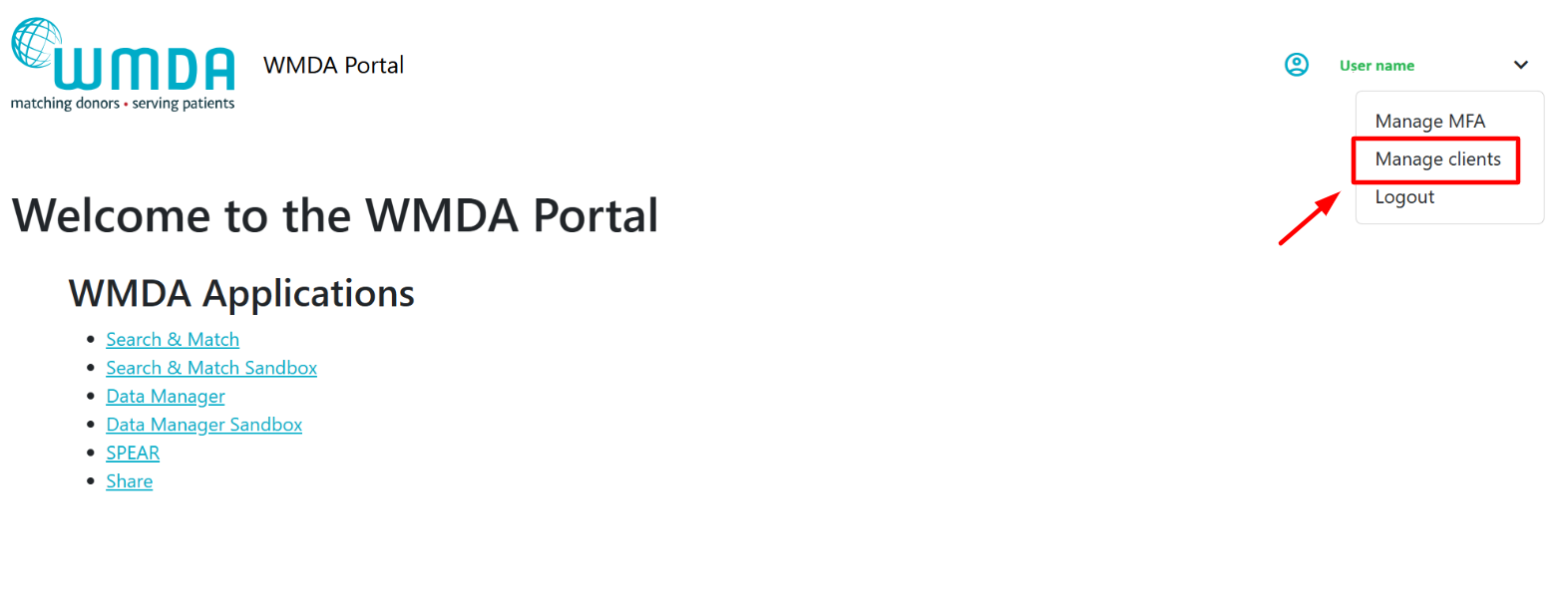
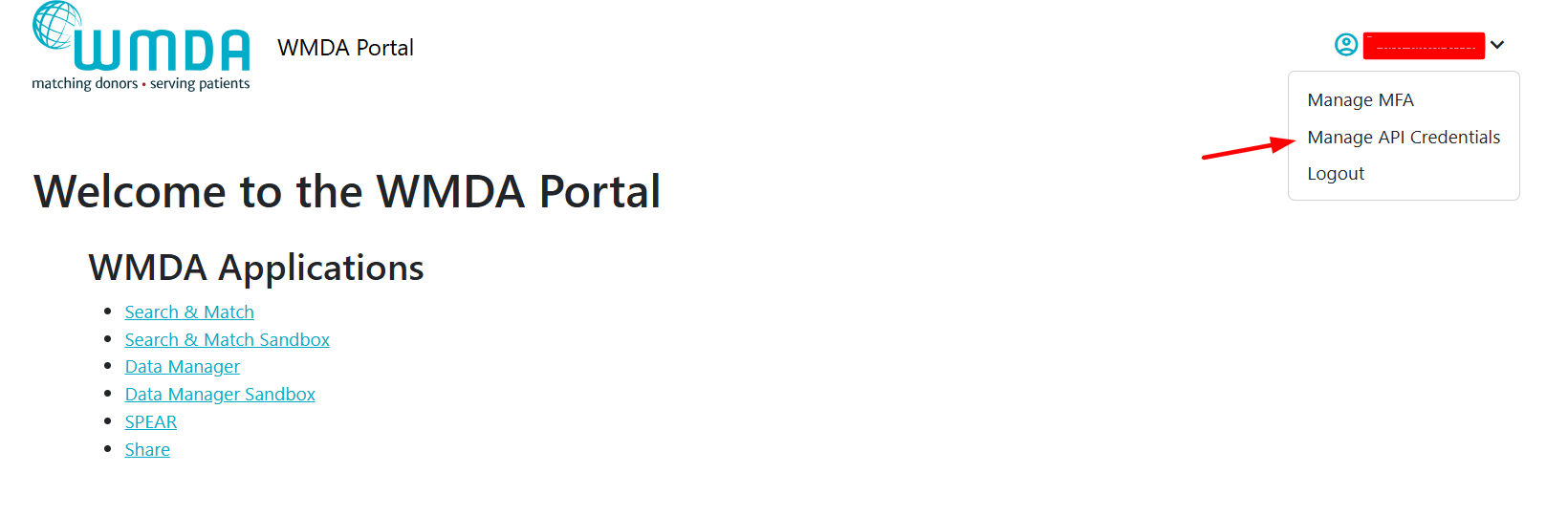
| Info |
|---|
Your organisation should designate one or more technical contacts ( Only users with the Before contacting WMDA support, confirm internally who is responsible within your team. If access is required, contact WMDA: support@wmda.info |
...
- View the application registrations and their client ID provided by the WMDA.
- Create new client secrets for these application registrations.
- See expiration date for each client secret.
- Delete client secrets.
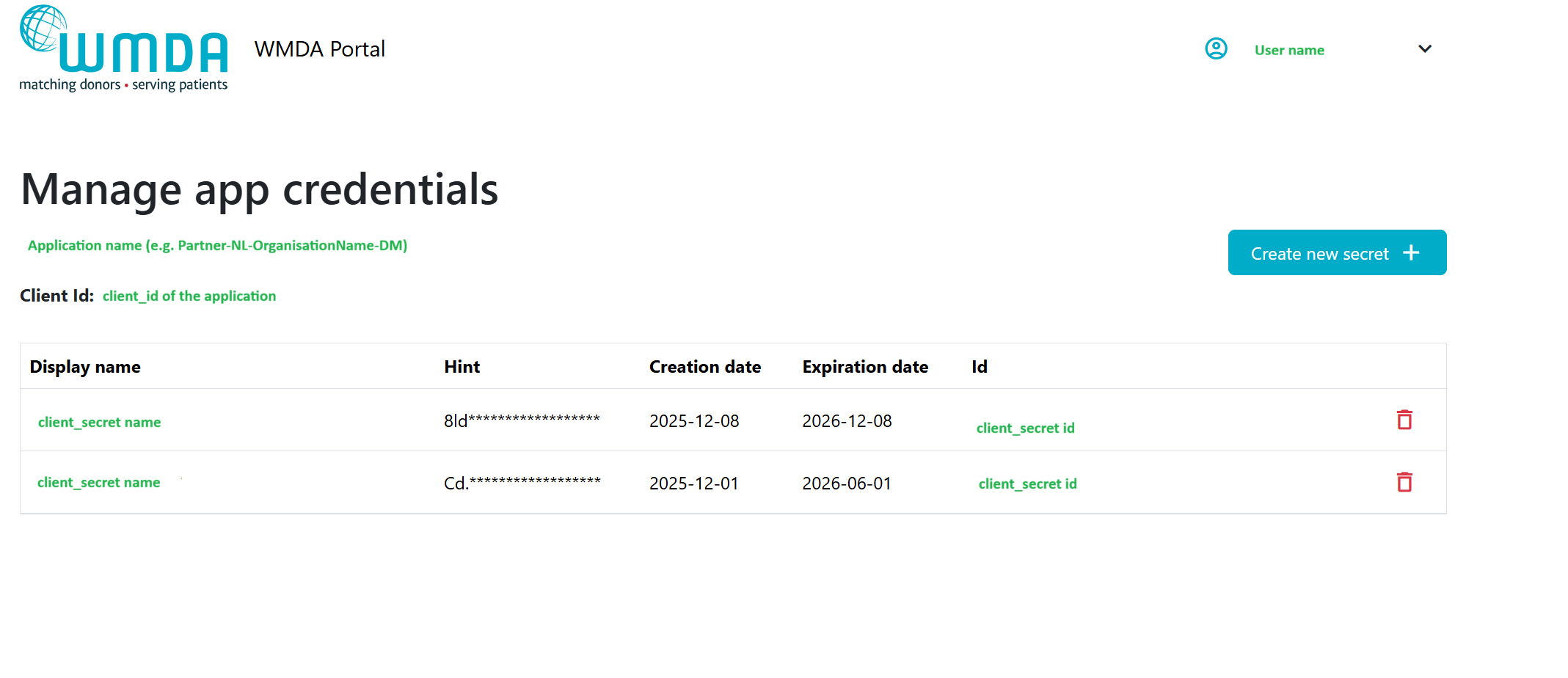
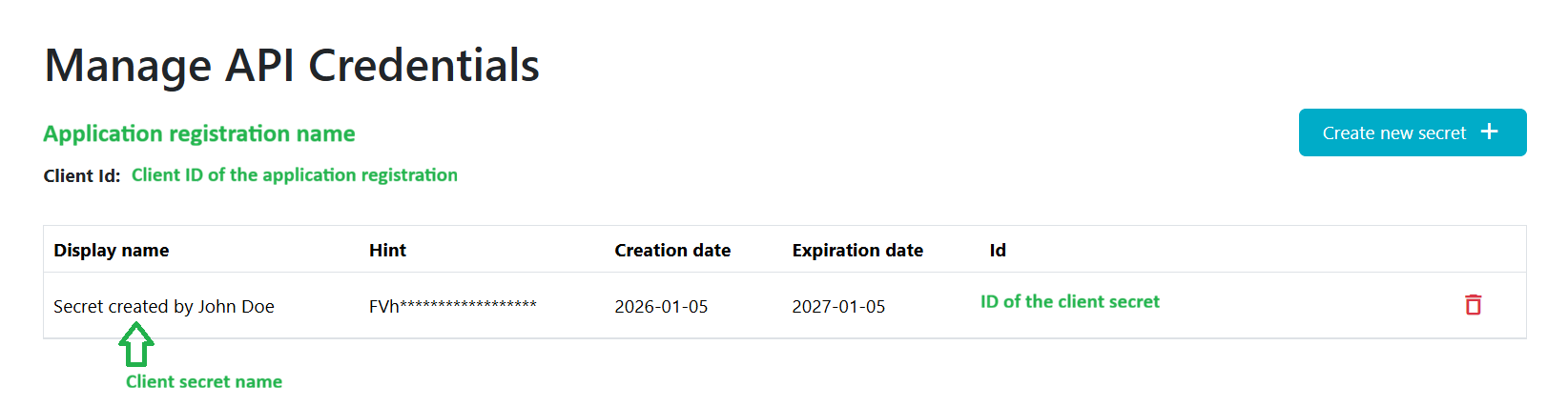
1.2 Create a Client Secret
- Visit the Manage API Credentials page https://portal.wmda.info/manage-clients and click on the "Create new secret" button and the pop-up will appear:
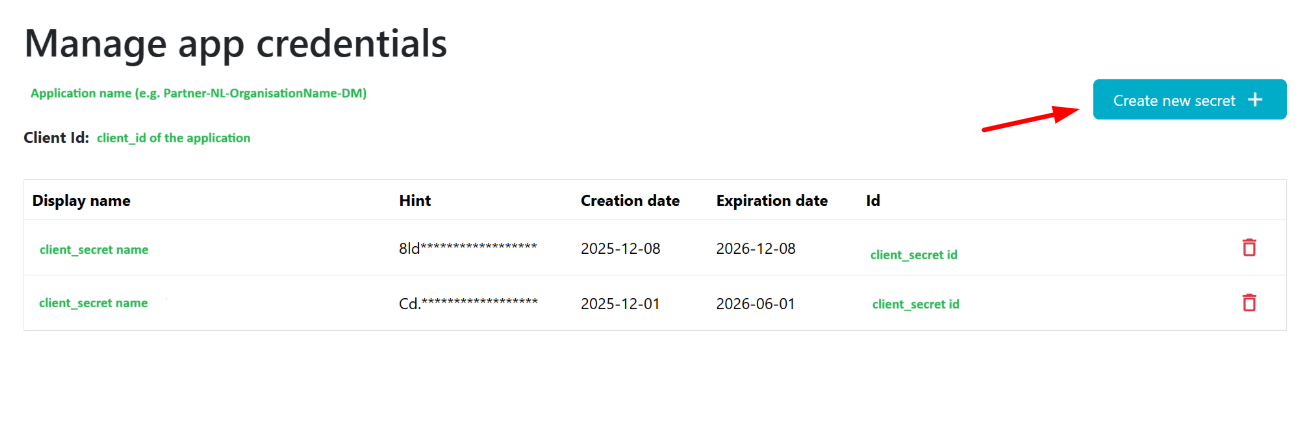
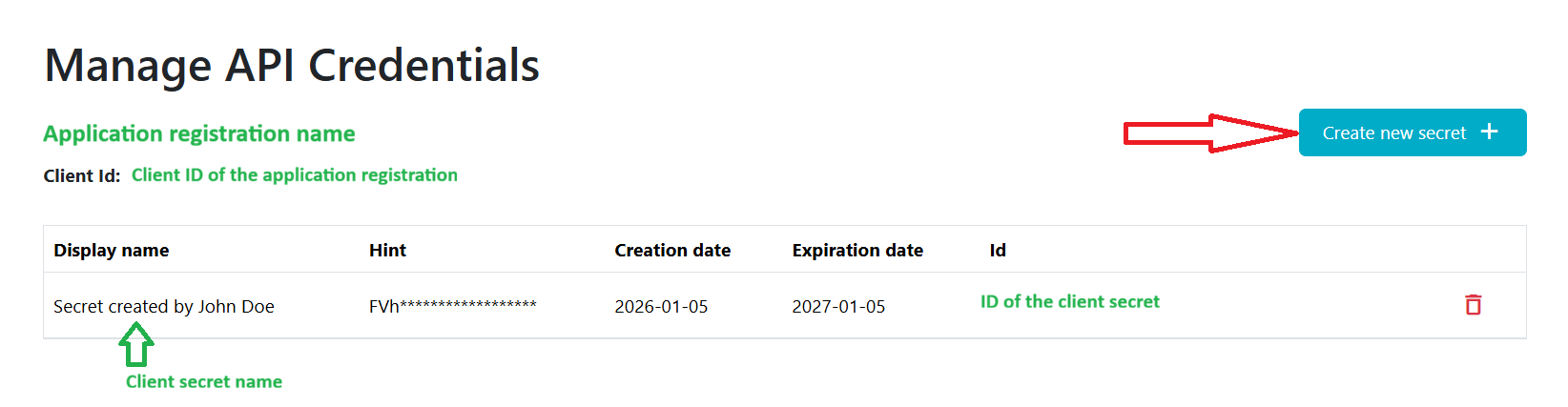
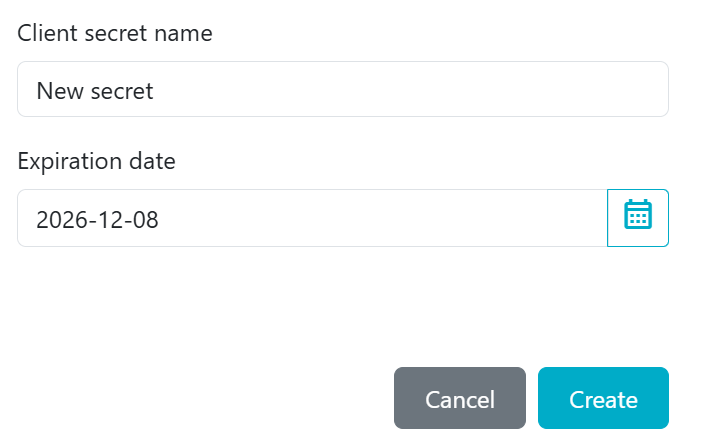
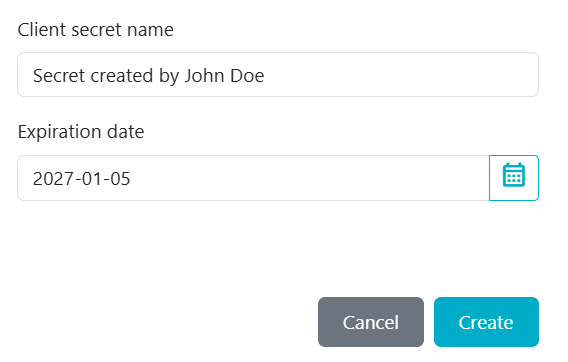
2. Provide client secret name and expiration date (1 year maximum) for this secret:
| Info |
|---|
We advise including your name in the "client secret name" field (e.g., "Secret by VMJohn Doe") so the WMDA IT team can contact you if troubleshooting or follow-up is needed. |
...