...
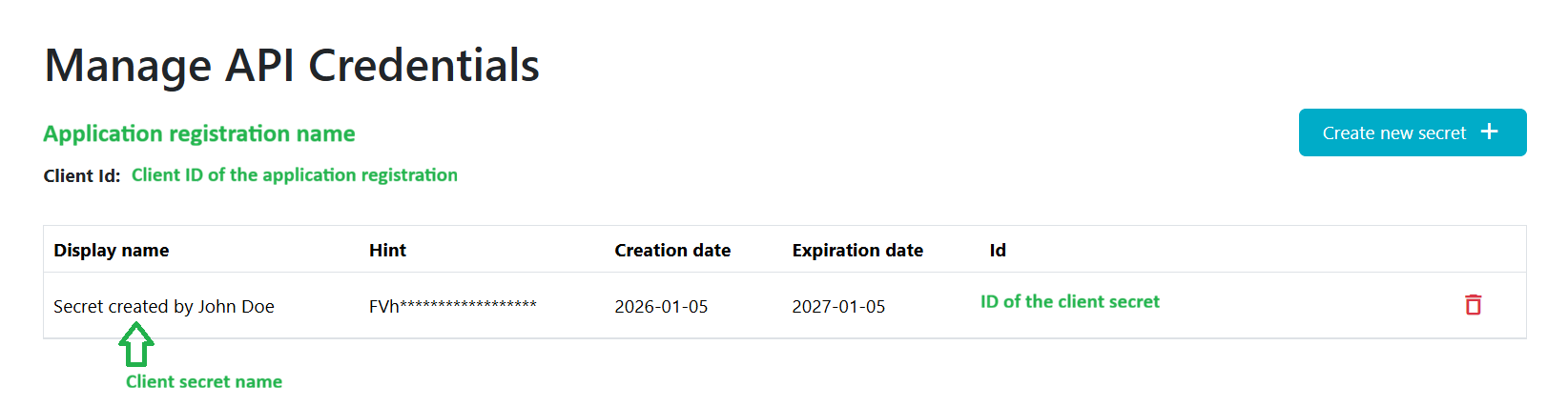
- View the applications and their client IDs provided by the WMDA team.
- Create new client secrets for these applications.
- See expiration date for each client secret.
- Delete client secrets that are no longer needed.
1.2 Create a Client Secret
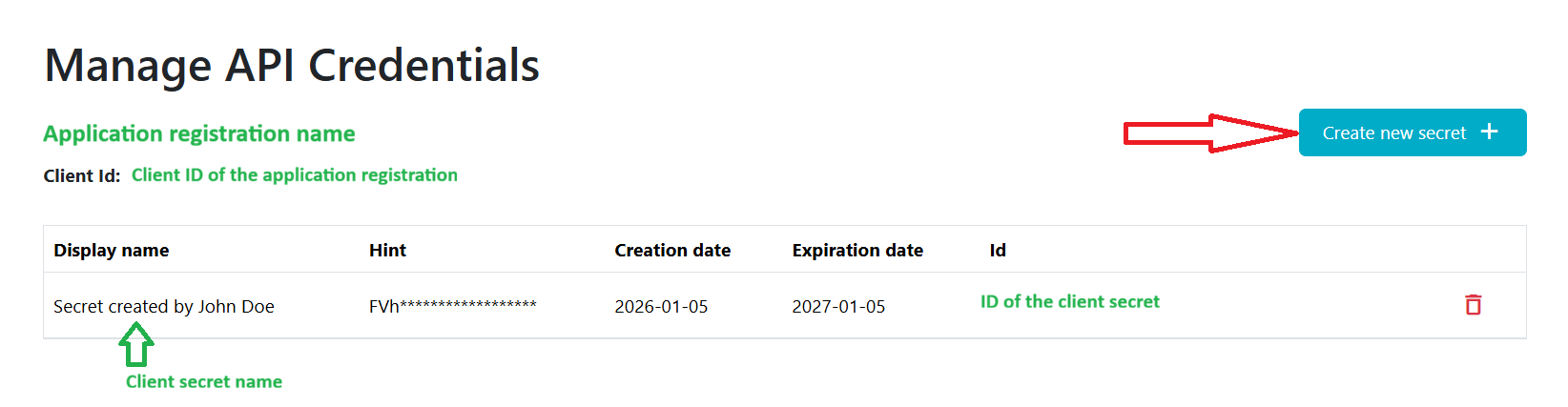
- Visit the Manage API Credentials page https://portal.wmda.info/manage-api-credentials and click on the "Create new secret" button and the pop-up will appear:
2. Provide client secret name and expiration date (1 year maximum) for this secret:
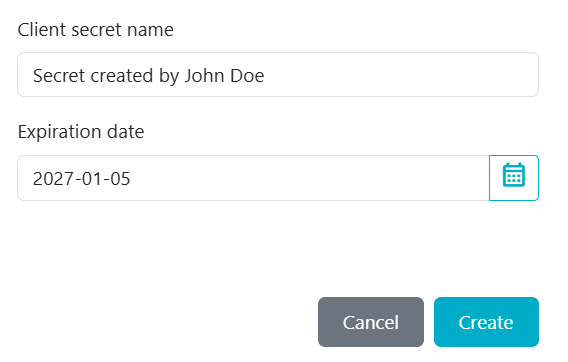
The maximum expiration date for a client secret is one year to comply with WMDA security policies.
...
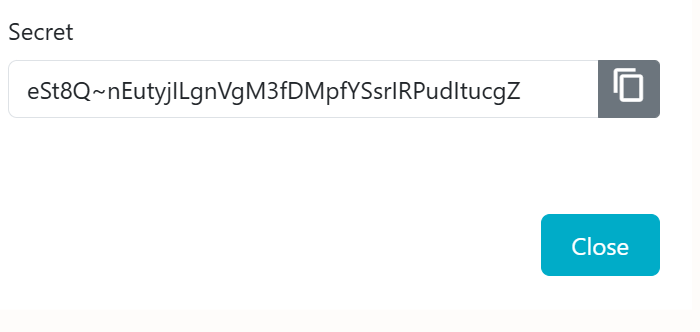
4. Copy the client secret that appears:
| Warning |
|---|
When you create a new secret, copy and store it securely. After you refresh or return to this page, the full secret will no longer be visible - only the first three characters (hint) will remain. If you don't copy the newly created secret, you lose it, and you'll need to generate a new secret.
|
...
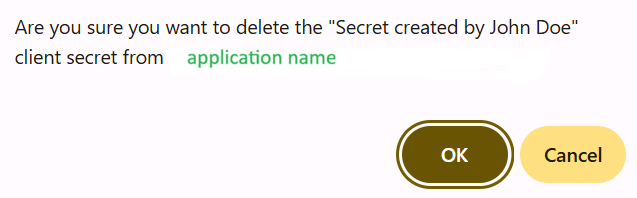
1. Click on the delete icon next to the secret you would like to delete and confirm your action:
1.4 Expiring Client Secrets
...
Client secret that is about to expire (in less than one month) is marked with an icon next to the expiration date on the Manage API Credentials page:

Recommended Rotation Workflow
...