not public yet
Introduction
The World Marrow Donor Association (WMDA) uses app registrations to allow machines to communicate securely with Microsoft resources. Instead of using a username and password, these connections use a Client ID and a Client Secret:
- The Client ID is a constant identifier for the app.
- The Client Secret is like a temporary password for the app used for machine-machine authentication. It expires after a certain period. Once expired, the connection stops working until a new secret is provided.
This method ensures secure access without exposing personal credentials and makes managing machine-to-service communication easier.
Managing your client secrets
To be able to manage client secrets of your organisation, user must:
- login to the https://portal.wmda.info/ using MFA (MFA user guide);
- have the "credential_management" role.
With this role you can:
- View the applications you own and their existing secrets.
- Create new client secrets when needed.
- Delete secrets that are no longer in use.
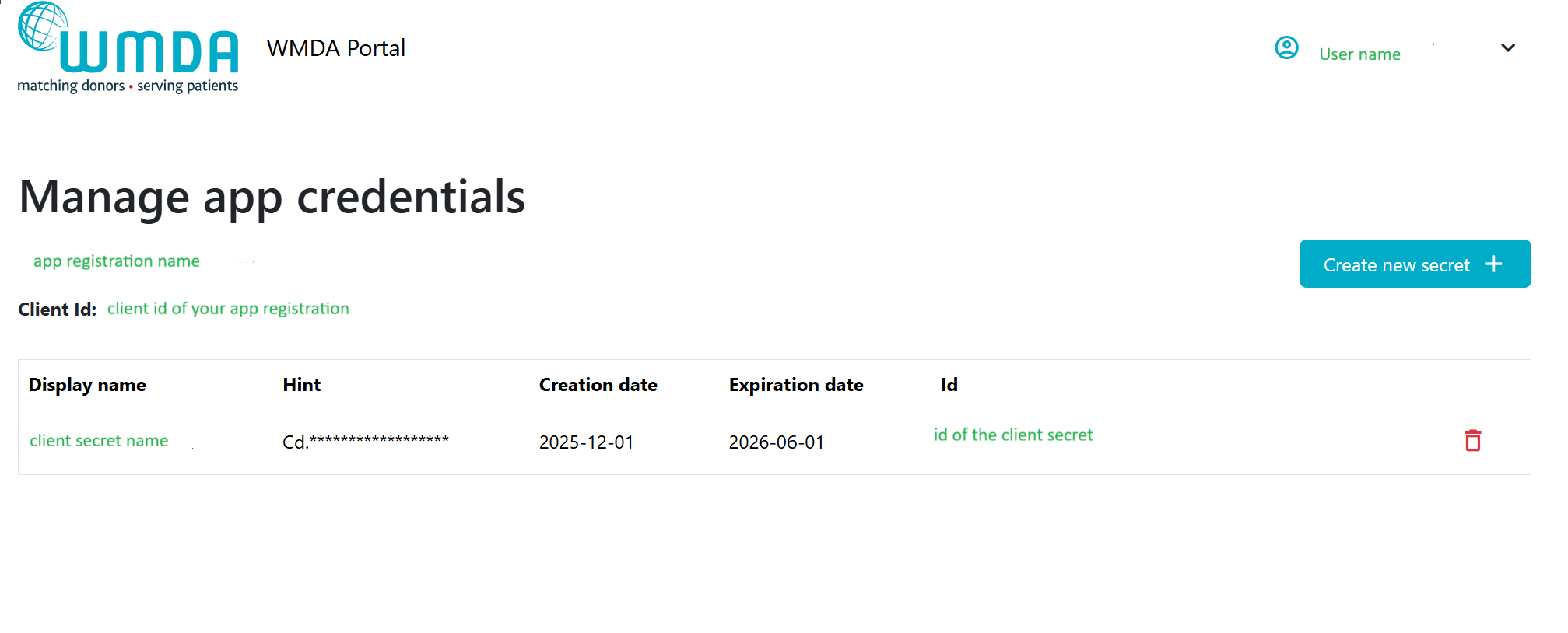
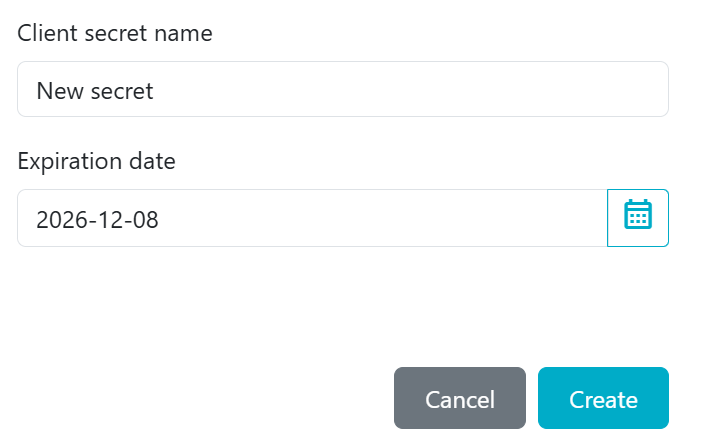
When creating a new secret, you must provide client secret name and expiration date (1 year maximum) for this secret:
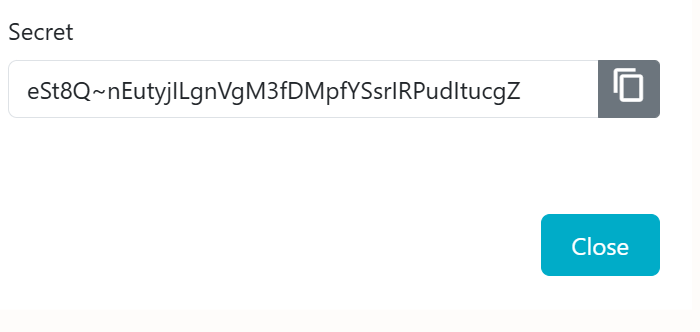
Once a new client secret is used, the old one should be removed to prevent unnecessary expiration reminders.